
Instagram post maker with AI built in
Making an Instagram post isn't just about producing a nice-looking image. A good post needs to make its point clear within seconds, have readable text, use the right image and match your page's tone and visual identity. Pendid splits this into two parts: AI for the idea and image, and the design studio for final control.
To create an Instagram post with AI, start by generating the image or visual space you need, then add the headline, price, logo, CTA, product photo, shapes and graphic elements inside the studio. A 1080×1080 size is ready for square posts, and 1080×1350 for portrait posts.
Whether your goal is a storefront post, an educational post, a service introduction, a personal post, a content cover or a slide set, it doesn't matter if you start from AI or a real photo — what makes the result professional is the right combination of content and design.
- 1080×1080 post
- 1080×1350 portrait post
- Editable text and image
- AI alongside the studio

What does "creating an Instagram post with AI" actually mean?
AI can speed up part of producing a post, but the final post still needs a human decision about the message, audience, text, visual priority and brand identity.
For some posts, AI only plays the role of image-maker. For others, an AI image might not even be needed, and a real product photo or a personal file is a better starting point. So it's best to think of AI for making Instagram posts as a helper tool, not a full replacement for design.
If you create the image with AI, it's best to add important text — brand name, price, discount code or CTA — inside the studio afterward. This gives you more control over spelling, readability and layout.
Short answer: AI makes the starting point faster; the design studio gets the result ready for real publishing.
For when you don't have a suitable photo or want a fresh visual direction.
For the headline, text, price, CTA, colour and precise layout control.
So the output isn't just pretty, but stays aligned with your content.
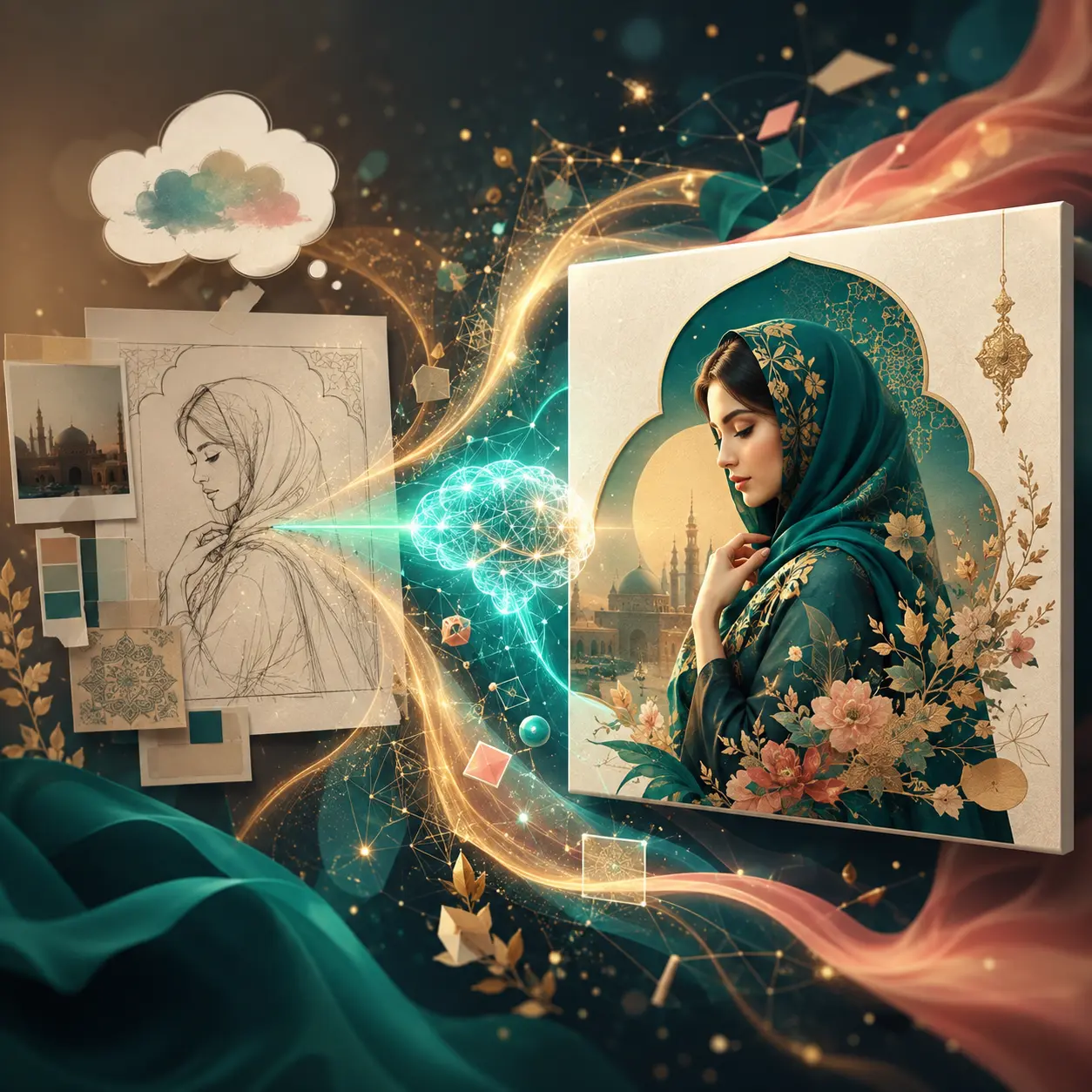
How do you create an image for an Instagram post with AI?
If you don't have a suitable photo for the topic, write a simple description of the visual space you want — a minimal image, a 3D space, an ad-style scene or a conceptual image that fits the topic.
When designing an Instagram post with AI, it's best to use AI for what it's good at: the image, the initial composition and the idea. Add precise wording and business details yourself, afterward.
- Define the post's goal before generating the image
- Define a clear subject and visual space
- Add important text at the design stage
- Review the AI output before publishing
Instagram post size: 1080×1080 or 1080×1350?
The image ratio affects the framing, where the headline sits and how much usable space you have. Pendid has two common Instagram post sizes ready to go.
Good for square posts, product shots and short introductions — a balanced, simple composition.
Good for portrait posts, tutorials and more detailed content — more vertical space for the headline and image.
No size is always better. If your layout is symmetrical or your photo is square, 1:1 works well; if your content needs more vertical space, 4:5 gives you more flexibility.
Designing an Instagram post in Pendid: what comes after the image?
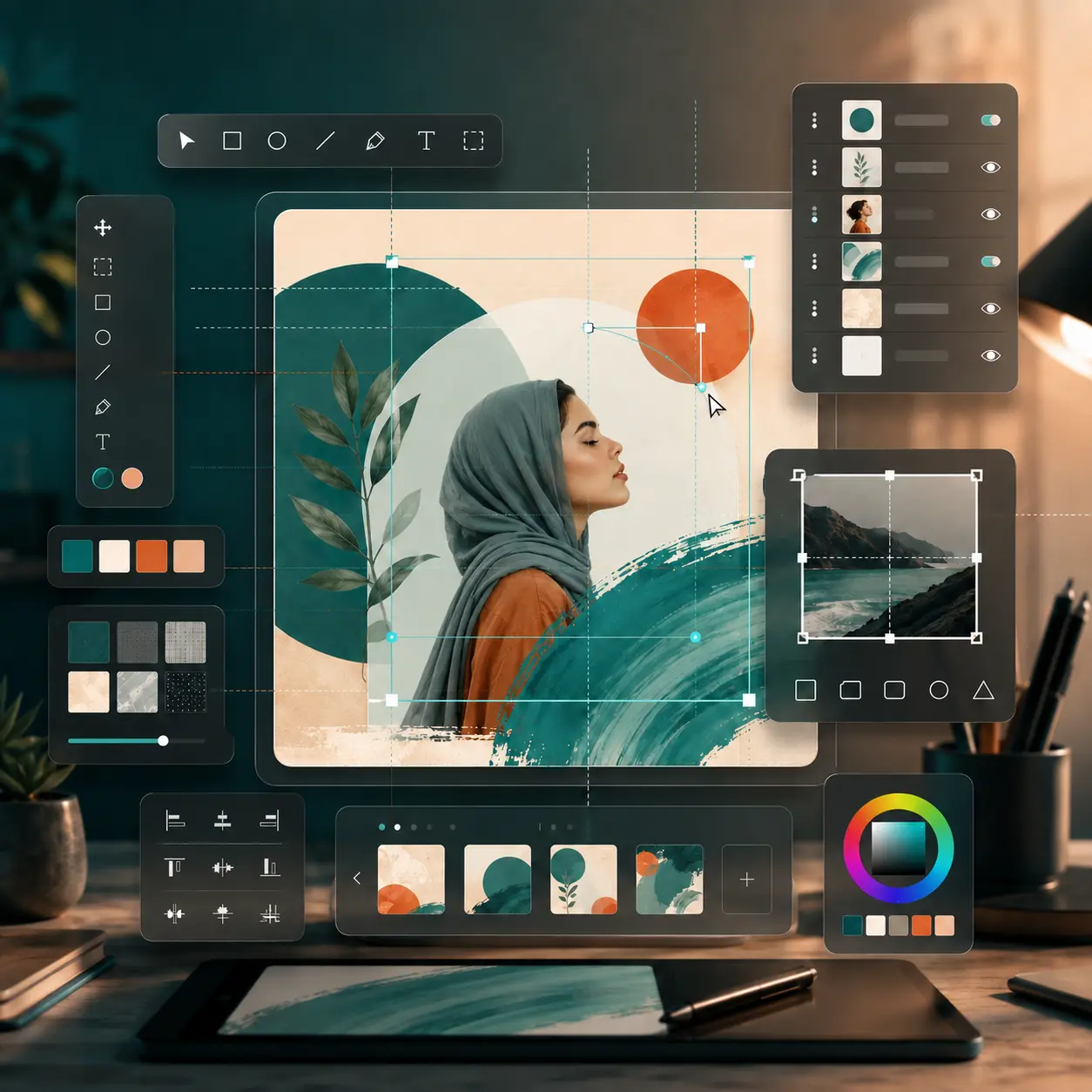
A good image is only half the way there. A usable post needs the right layout for its headline, text, graphic elements and empty space. In the studio, you can bring in the image and build the design elements separately on top of it.
Text, shape, vector, file-upload and stock-image tools help keep your design editable. For a promotional post, it's best to design the price and CTA separately; for an educational post, the headline and key points need a clear visual priority.
- Keep the text independent from the image
- Build a clear hierarchy for the headline and CTA
- Don't be afraid of empty space
- Check the design at mobile size
A guide to making a good Instagram post: from goal to publishing
Before designing, decide what the post needs to do. Do you want the viewer to learn something, see a product, click a link, or simply remember the brand?
Sales, education, introduction, news, engagement or branding.
The single most important thing that should be understood within seconds.
A real photo, an AI image, a personal file or a stock image.
Check readability, spacing, quality and the CTA.
A good post isn't meant to say everything
The caption is there for more explanation. The post's image should carry the main message and encourage the viewer to see more of the content or read the caption.
The headline needs to be readable, not just pretty
A delicate font, long text or low contrast might look fine on desktop but be unreadable on mobile. Don't place the headline over a busy part of the image.
A CTA is only needed when there's a real action
"Shop now," "see more" or "swipe" are useful when they're directly tied to the exact next behaviour you want from the viewer.
Creating carousel posts with AI: every slide needs a job
A carousel works well for education, comparisons, introducing multiple products or a step-by-step narrative. AI can help with the idea for each slide and with creating a complementary image.
The first slide should give people a reason to keep swiping, the middle slides should move the information forward step by step, and the last slide should wrap things up or include a CTA.
- Slide 1: a clear cover
- Middle slides: one point per slide
- Last slide: a summary or next action
- Keep colour and style consistent across slides
Direct answer: a structure that works well for carousel posts is "cover → step-by-step points → summary or CTA"; the number of slides should be decided by the topic.
Building an Instagram post cover online: the first slide has to stop the scroll
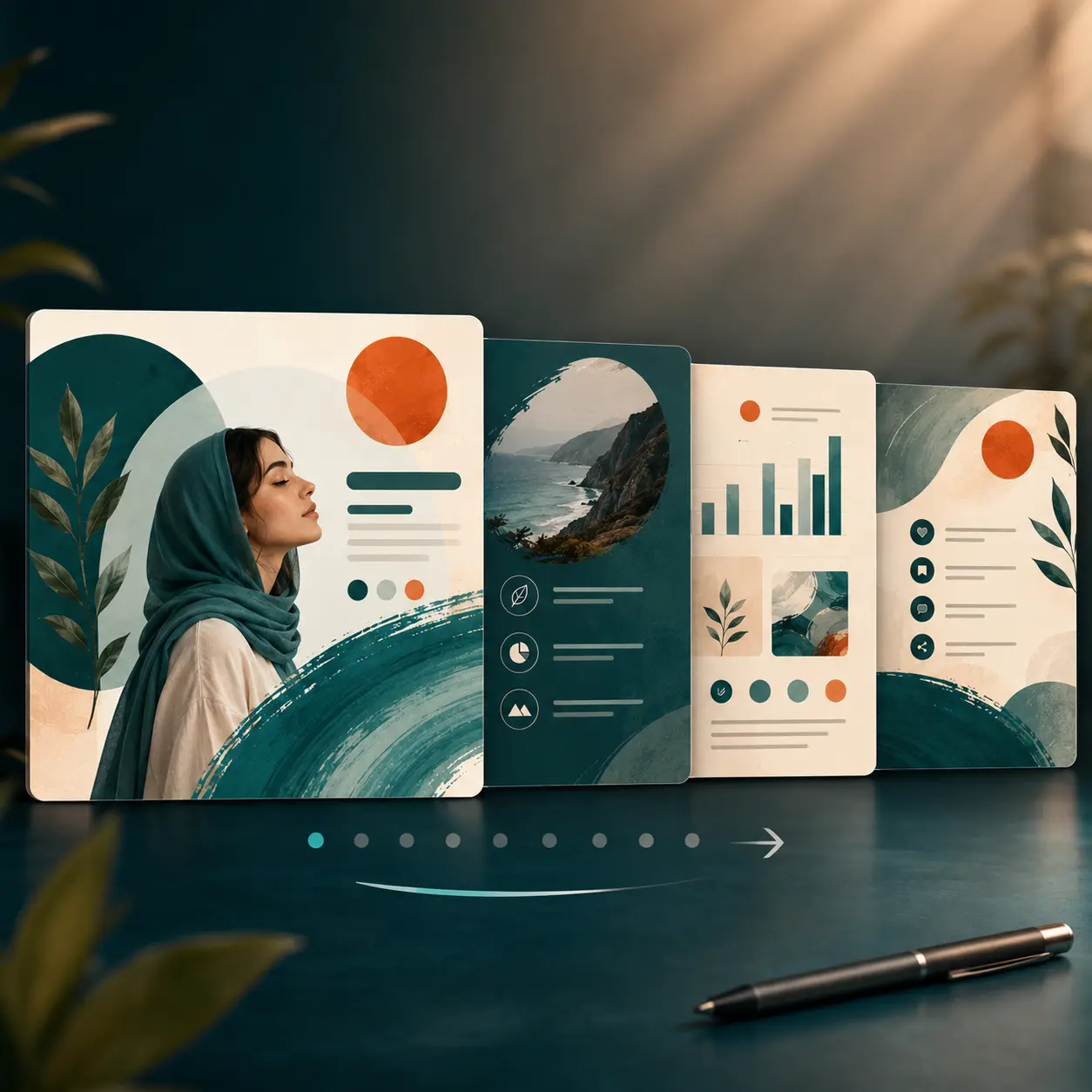
The post cover matters a lot for educational, carousel and serial content. The viewer hasn't read your content yet — the only thing they see is the first image and the headline.
A good cover usually needs a short headline, a relevant image and enough space. To build an Instagram post cover online, you can use an AI image, your own photo or ready-made elements, and design the wording separately.
- The headline is readable at first glance
- The image relates directly to the topic
- Unnecessary details are removed
- Series covers share a consistent style
What kinds of posts can you design with Pendid?
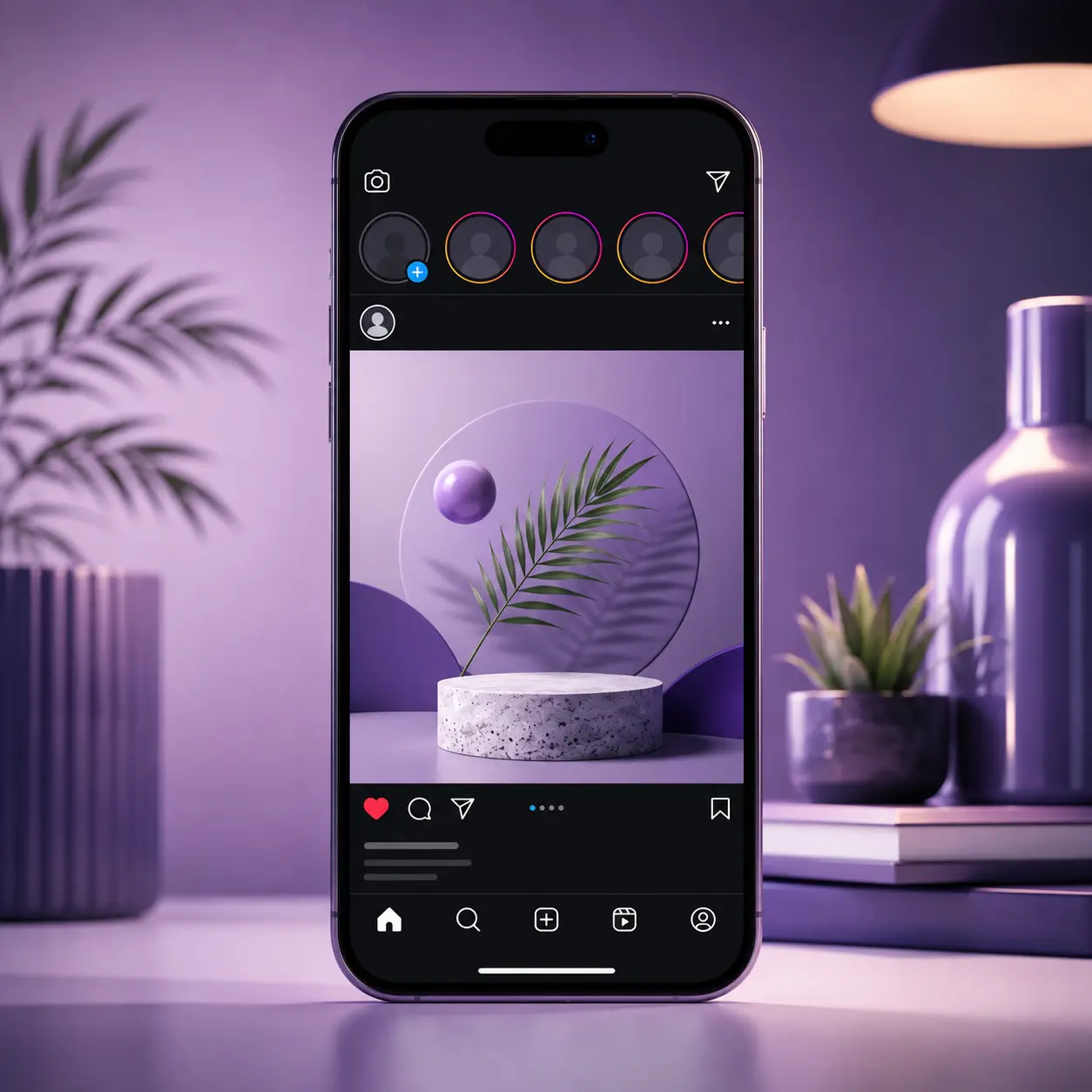
The type of content determines what role the image, text and CTA should play.
Real product photo, name, key feature, price or main offer.
The main offer, date and CTA should take priority.
A clear headline and step-by-step structure; more detail in the caption or the next slide.
Highlight one outcome, benefit or problem the service solves.
Colour, image and tone should match your brand's personality.
For experience, skills, portfolio or a personal image with clean design.
Instagram post design for business: good looks aren't enough
For a business, the post is part of the customer relationship. The goal might be introducing a new product, answering a common question, building trust, showing a portfolio or driving the viewer toward a purchase.
If every post looks completely different in colour, font and style, the page gradually loses its cohesion. It's better to keep a few fixed principles for colour, headline and image type.
AI increases production speed, but don't publish an AI output without review. The image may contain inaccurate details or mismatched elements.
- Define the business goal before designing
- Don't confuse a real product photo with a conceptual image
- Keep visual identity consistent across posts
- Review AI output before publishing
Free AI Instagram post creation: what's a reasonable expectation?
Many people search for a free way to create an Instagram post with AI, but "free" means something different across services. Basic features, a limited number of runs, or some design tools may be available at no cost, while professional features usually depend on the plan.
In Pendid, it's best to check each tool's credit usage and your account's actual status inside Pendid Studio, since plans and model usage can change. This page intentionally doesn't quote a fixed number for price or credit.
See the design environment first, then decide. Enter the studio and check your account's current features.
Common mistakes in AI-assisted Instagram design
It's better to add the product name, price, phone number or main headline as real, editable text afterward.
For selling a real product, the generated image shouldn't show features the actual product doesn't have. Use AI for supporting visuals instead.
More elements don't necessarily make a design better. Removing a few can sometimes make the result more readable.
Most viewers see the post on mobile. Text that's readable on desktop may be too small on mobile.
Hands, objects, reflections and background details can look unnatural. Check the output before publishing.
How do you make a post feel more human? AI should be a tool, not the page's voice
What sets a page apart is the real experience, perspective, examples and voice of that person or business.
If you use AI for ideas or images, don't cut out the human part. A real example, a customer experience, an actual product photo or a specific opinion can set your content apart from a generic post.
From a search and AI-answer visibility standpoint too, a clear answer, real information, an understandable structure and concrete examples matter more than repeating keywords for their own sake.
Simple principle: AI speeds up production; the reason people follow a page is usually the person, their experience and their point of view.
Checklist before publishing an Instagram post
Can the viewer understand the general topic without the caption?
Check the size and contrast on mobile.
Look at the AI output for unnatural details.
Colour and image type should relate to previous content.
If there's a specific action, state it briefly.
Make sure the design is built for the final size.
Frequently asked questions about AI Instagram post design
What does creating an Instagram post with AI actually mean?
It means using AI to speed up part of the process — generating an image or arriving at a visual idea, for example. In Pendid you can then finish the result inside the studio with text, photos, colour, shapes, vectors and other elements, so final control over the design stays with you.
Do I need to know prompt engineering to make a post with AI?
No. A simple description is enough to generate the image or idea you need, then you can set the headline, text, price and CTA separately in the design environment.
What is the right Instagram post size in Pendid?
For a square post, use 1080×1080; for a portrait post, use 1080×1350 at a 4:5 ratio. The right size depends on your content and composition.
Does the design studio give full control over typography and layout?
Yes. You can control fonts, alignment and text layout inside the studio, so the post fits different content styles.
Can I use my own product photo or file?
Yes. You can upload files and bring your product photo, a custom image or any file you need into the design.
Can I create an Instagram post cover with Pendid?
Yes. You can build a cover for a single post, educational content or the first slide of a set, and set the headline, image and layout.
Can I create a carousel post with AI?
Yes. You can use AI for the idea and image of each slide, then design the slides with a clear structure. It is best if the first slide acts as the cover and grabs attention.
Is creating an Instagram post with AI free?
You can start with the basic features, but how much you can use the AI tools and professional features depends on your plan and account credit. The exact amount is always shown inside Pendid Studio.
Should I generate important text inside the AI image itself?
For brand names, prices, headlines, discount codes and CTAs, it is safer to add the text separately in the design environment after the image is created, so spelling and readability stay under your control.
For a product post, is a real photo better than an AI image?
If you sell a specific physical product, a real product photo should usually be the main reference. AI can be used for the background, a visual idea or a complementary image.
Is the output ready to publish on Instagram?
Pendid gives you the common Instagram post sizes and lets you export the image. Before publishing, it is best to check the design's readability and quality on mobile.
What is the difference between manual design and AI-assisted post creation?
AI makes the start faster, but manual design gives you more control over typography, brand and final details. Combining both is usually the most practical approach.
Conclusion: the best process combines AI with human control
To create an Instagram post with AI, you don't need to hand every step to the model. Use AI for ideas, images and a fast start, and handle the final design, the text, brand identity and detail control inside the studio.
If you have a real photo, start from that. If you don't have a suitable image, AI can help. If it's an educational post, prioritize readability. If it's a storefront post, don't sacrifice product accuracy for appearance. If it's a carousel, every slide needs a clear role.
Pendid, 2018 to 2026: the core focus remains making online design and content creation simpler.
Don't start your next Instagram post from a blank page
Bring in your image or create a visual idea with AI, then control the text, headline, colour and design elements yourself, and export a result that's ready to publish.
Start creating your Instagram post