
Product photos made with AI
With Pendid Product Studio, a single simple photo of your product is enough to create a professional promotional image — no studio, no photographer and no expensive equipment required.
A product photo is your customer's first encounter with what you sell. When the image is clear, clean and trustworthy, the product is taken more seriously. Creating product photos with AI helps you go from an ordinary snapshot to an output that works for your online store, social media, advertising and catalogues.
Why AI product photos matter for sales
Customers see the product image before they read the description, before they look at the price, and even before they know your brand. Those first few seconds can shape trust, interest and the decision to buy.
For a lot of businesses, getting professional product photography isn't always simple. Coordinating a photographer, renting a studio, arranging lighting and models, editing and preparing the final output — it all takes time and money. Meanwhile, social media and your online store need fresh images constantly.
Pendid Product Studio makes that path easier. You give it a clear photo of the product, choose the kind of output you want, and AI prepares the image in a more professional format. The goal is for your real product to be seen at its best — not for its identity to get lost along the way.
What does Pendid Product Studio do?
This tool is built for AI product photography. Instead of planning a promotional shoot from scratch every time, you bring in the product photo and create the output you want.
In Pendid, you can see the product on a model, create a studio-style photo, place it in a real-life scene, put a design or logo onto the product, or write your own description for a free-style result. Every one of these modes is designed to be simple: you choose what you want, and AI handles the process of creating it.
One clear photo of the product is enough to create a more professional, publish-ready output.
Pick on-model, studio-style, a real-life scene, design-on-product or a free style.
Create square, landscape or portrait output for a post, banner, product page or Story.
If the result needs a change, edit that same image with one simple description.
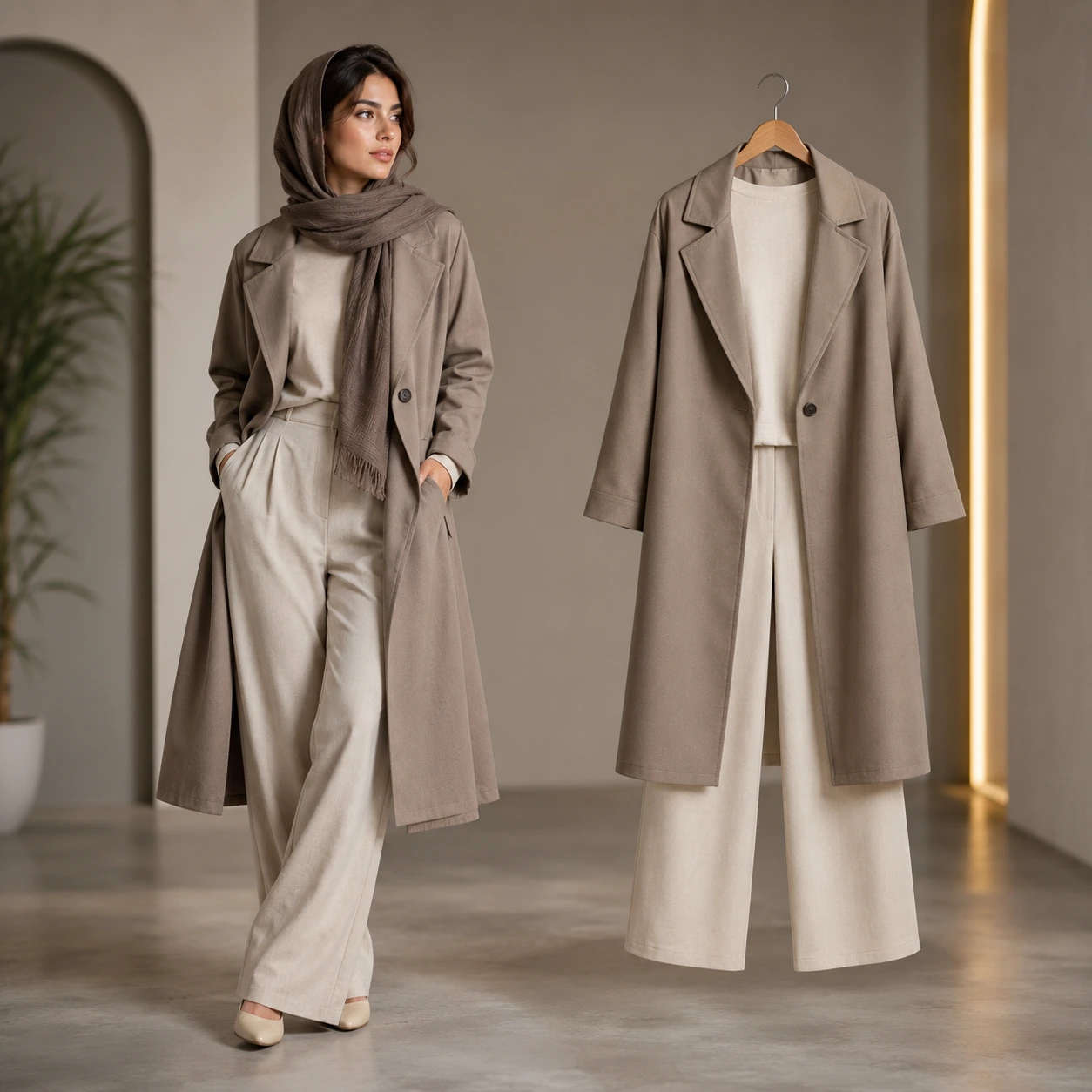
Create AI product photos on a model
For clothing, bag, footwear and accessory brands, showing the product on a model can be far more compelling than a plain photo. Customers get a better sense of the form, the size, how it feels to wear and what the product is actually for.
But shooting with a real model always involves cost and coordination. You have to choose a model, prepare the garment, arrange lighting and a studio, and then edit everything afterwards. For small stores or newer pages, that path isn't always within reach.
In Pendid Product Studio, you can upload the product photo and choose the on-model / mannequin mode. AI works to present your product in a more professional image you can use for sales, advertising and social media.
- Suited to clothing, bags, footwear, accessories and wearable products
- Helps show the product's form and purpose more clearly
- Works for posts, Stories, product pages and store advertising
Create AI product photos for your online store
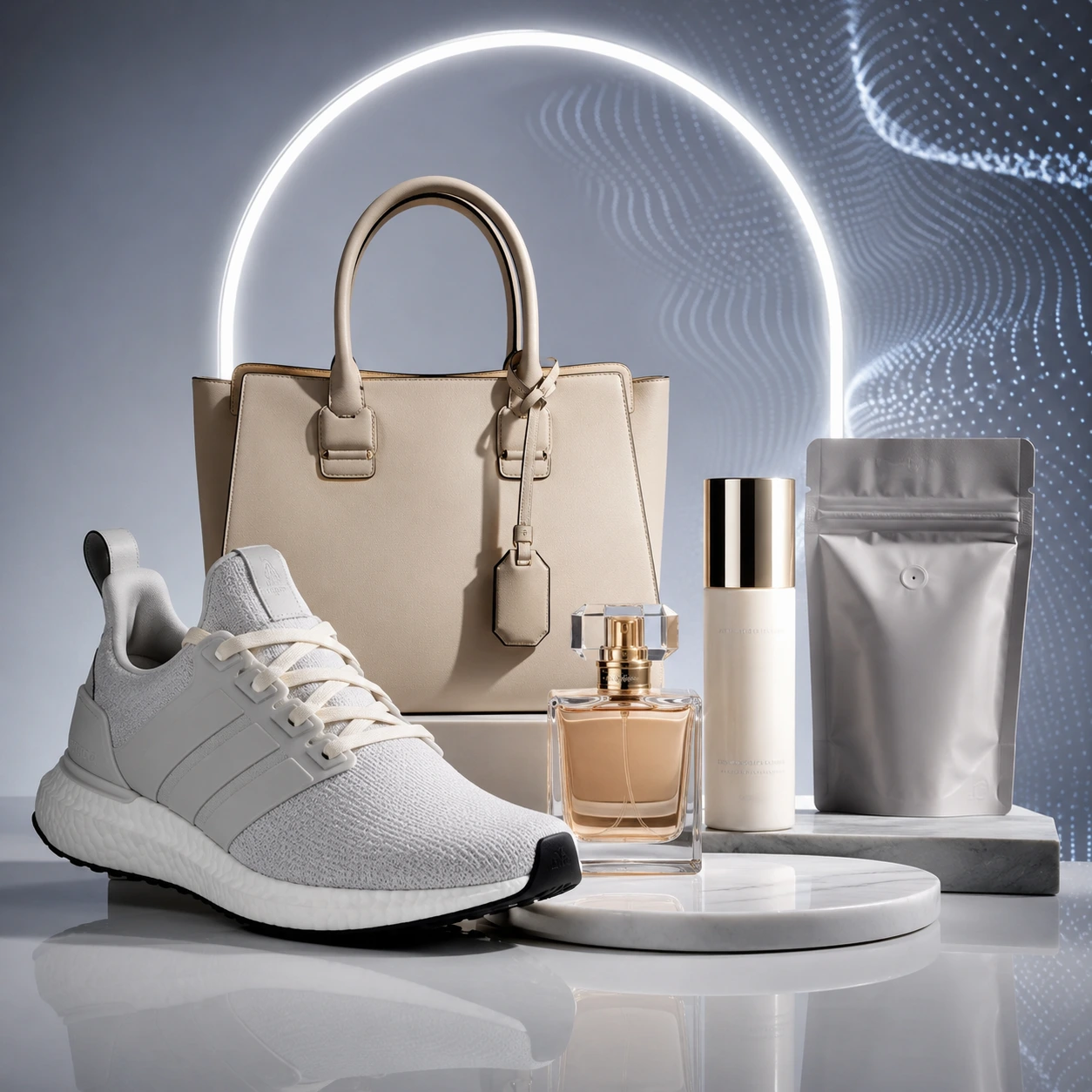
The studio-style photo is one of the most important kinds of product image. It usually has a clean background, balanced lighting, direct focus on the product and a trustworthy look. For an online store's product page, a studio-style photo can be extremely useful.
When a product is shown against a busy background or in poor lighting, customers may not see the key details properly. A clean, tidy image, on the other hand, helps the product look more real, more professional and more trustworthy.
Pendid Product Studio helps you turn an ordinary photo into something closer to a studio shot. This mode is a strong fit for online stores, product pages, marketplaces and digital catalogues.
- Well suited to online store product pages
- Helps show the product's form, color and details more clearly
- Works for small, industrial, beauty, food, decorative and handmade products
Create AI product photos in a real-life scene
Some products convey their feel and purpose much better when they're seen in a real setting. A cup beside a breakfast table, a perfume on a dressing table, a shoe in an urban space, or a handmade product in a warm, natural environment can build a stronger emotional connection with your audience.
Lifestyle photos don't just show the product; they create a mood, a situation and a small story. For social media, advertising and content campaigns, this kind of image is usually more engaging than a completely plain one.
In Pendid Product Studio, you can choose the real-life scene mode and describe the setting you want in a short line. For example, say the product should sit on a wooden table, have morning light, feel more premium, or appear in a minimal environment.
- Great for social posts, advertising and product introductions
- Helps build a mood and a story around the product
- Works for lifestyle, beauty, food, decor, apparel and handmade brands
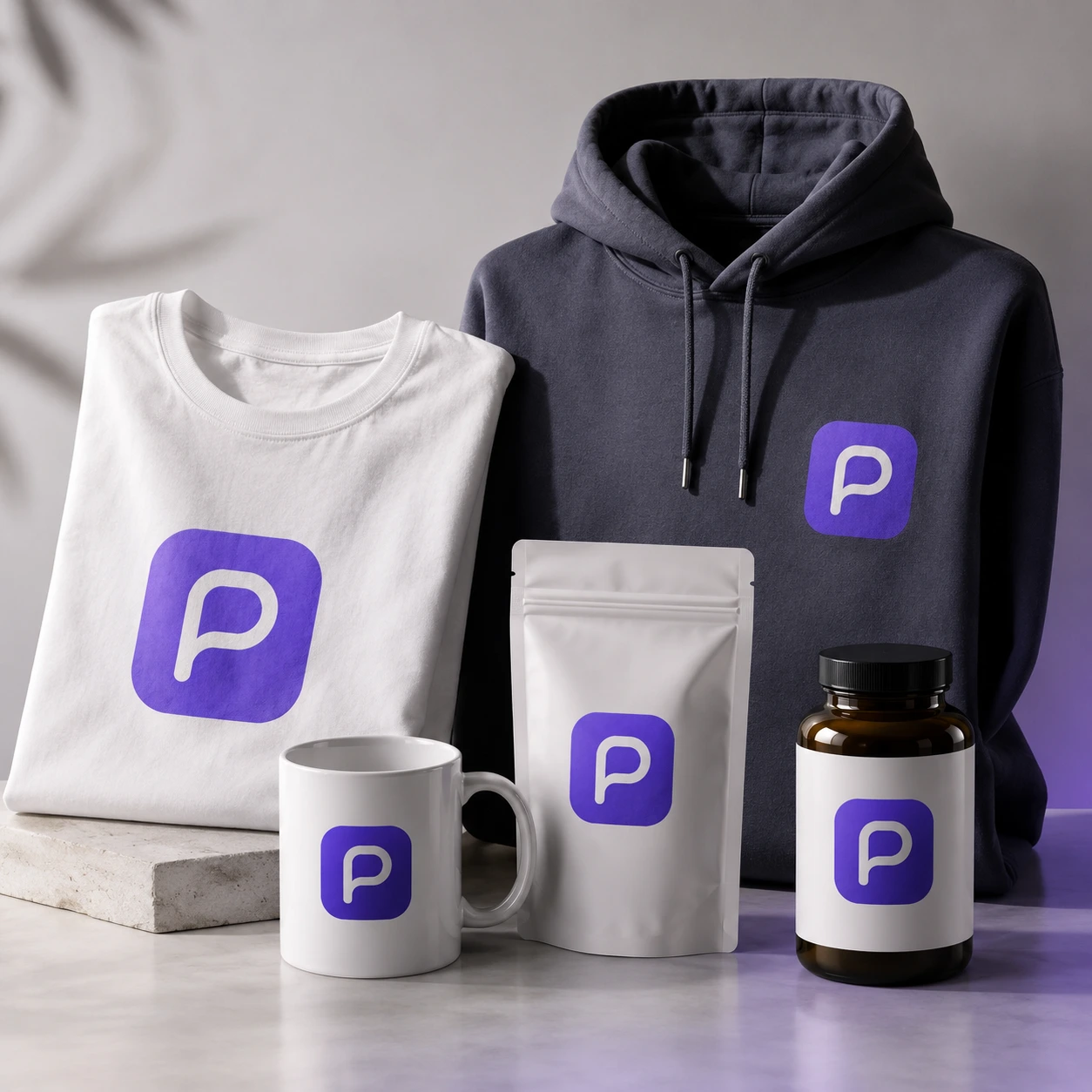
Create design-on-product images with AI
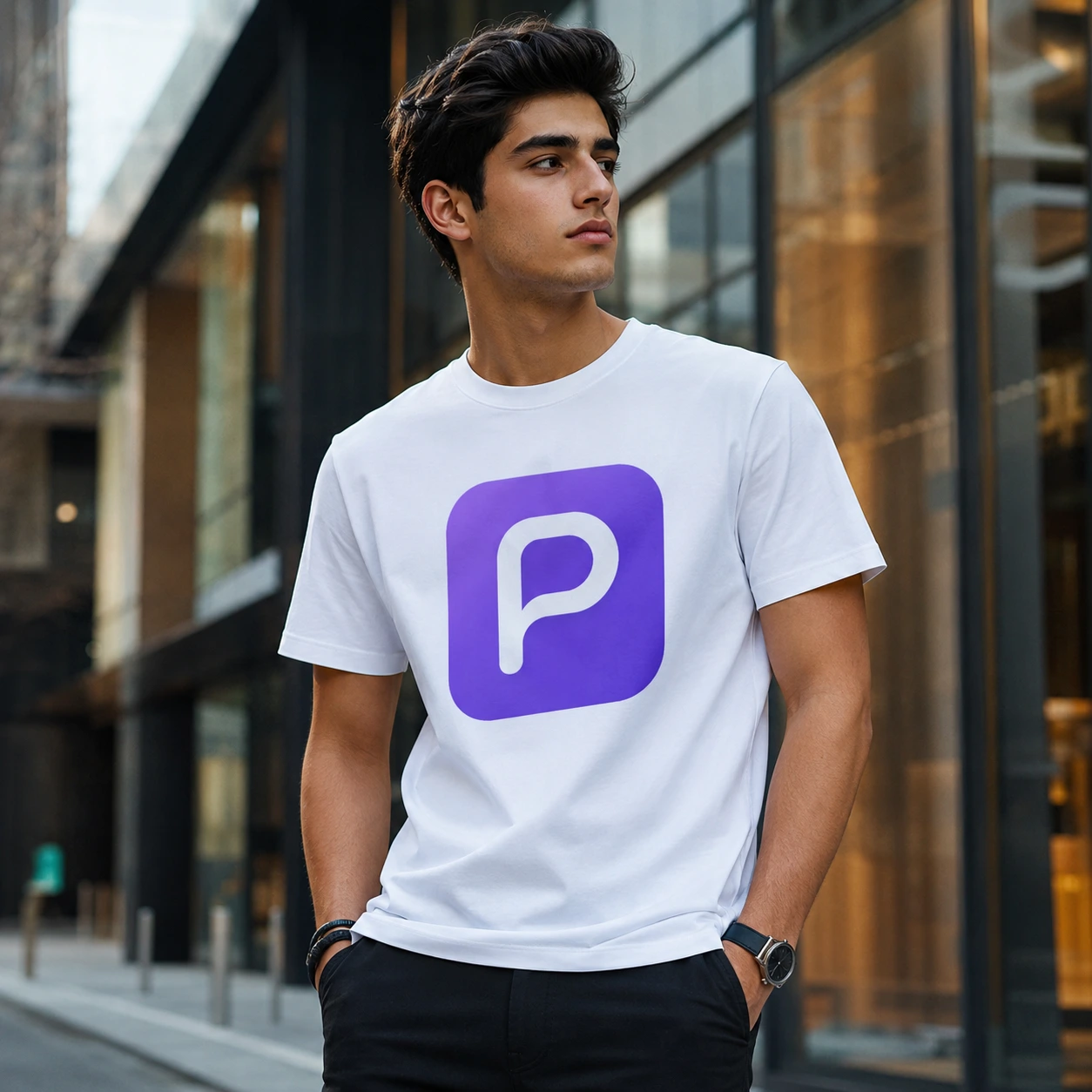
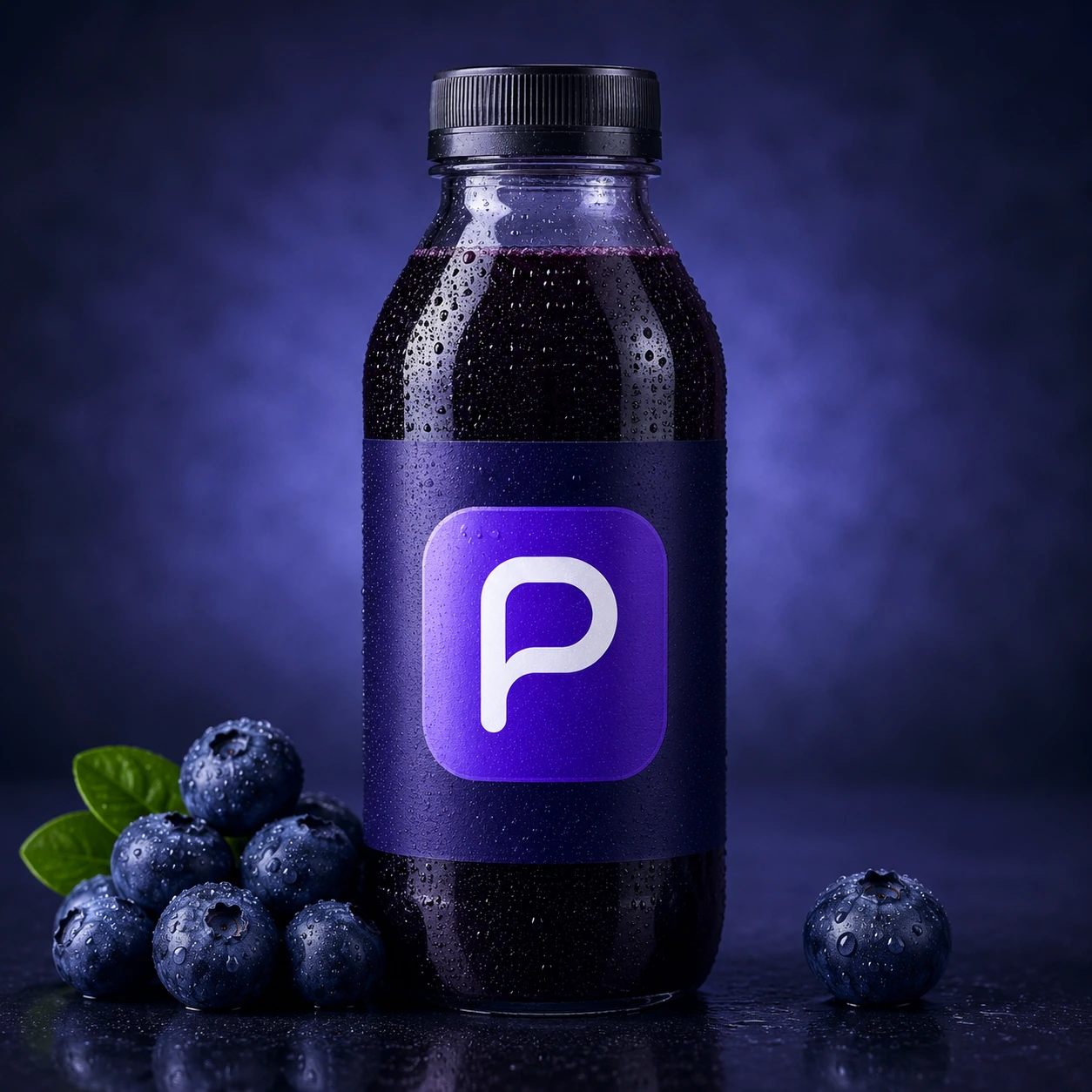
If you have a design, logo, piece of text or graphic and you want to see how it looks on a product, the design-on-product mode is built for exactly that. It's especially useful for t-shirts, hoodies, packaging, labels, mugs and similar items.
The traditional way to see a design on a product usually means finding a ready-made mockup or working in design software. But not everyone is comfortable with those tools, and a suitable mockup for your particular product isn't always available.
In Pendid, you can upload your design and describe how it should sit on the product. The result can be used to test an idea, show a client, create promotional content or prepare an early version of a custom product.
- Suited to t-shirts, hoodies, mugs, packaging, labels and custom products
- Helps you see the design before real production
- Great for print shops, apparel brands and product designers
Other modes for creating AI product photos
Beyond the main modes, Pendid Product Studio is also built for more flexible needs. Sometimes you want the product placed inside a photo of your own choosing; other times you want a completely free, promotional result.
Provide your own photo of a space, table, room or model, and the product will be placed in that setting.
If you have a specific idea, just describe it and create a more tailored result for advertising or social media.
After the image is created, edit that same output with a simple description — no need to start over.
Your generated outputs stay in your gallery, so you can revisit, download or continue with them later.
Creating AI product photos in just a few steps
Using Pendid Product Studio is designed to be simple. You're not meant to get tangled in complicated settings — you just need to specify the product and the output you're aiming for.
One clear photo of the product is enough. The better the source image, the more reliable the final output.
Pick on-model, studio-style, a real-life scene or design-on-product, and choose the right aspect ratio.
If you want a particular style, light, setting or mood, describe it simply and naturally.
The output is saved to your gallery, and you can download it or change it with smart editing.
Smart editing of a product photo after generation
The first output isn't always exactly what you had in mind. Maybe you want a brighter background, a more premium feel, a slightly different angle, or a simpler setting around the product.
In Pendid Product Studio, you don't have to start over for every change. Once the image is created, you can select that same output and simply write what should change. This works really well for small corrections, trying a few different styles and arriving at your final image.
A practical tip: for a better result, ask for just one specific change at each step. Rather than several requests at once, start with "make the background brighter," then apply the next change in the following step.
Who is Pendid Product Studio for?
Any business with a physical product needs good imagery. From a small online shop to an apparel brand, from a handmade item to an industrial part, a professional image can change how the product is seen.
For creating product images quickly, plus store content, product-introduction posts and advertising.
For showing the product on a model, creating promotional images and testing visual ideas.
For better presenting products that need a warm, real and trustworthy feel.
For producing product content, sales campaigns, brand introductions and advertising faster.
Why choose Pendid for AI product photos?
Pendid is built around making content-creation tools simple, understandable and practical. The aim isn't to bury you in technical complexity — it's to get you to a usable output faster.
Product Studio was built with that same thinking. Whether you run a store, make products, offer printing services or produce content for social media, this tool can become part of your everyday content workflow.
You don't need professional photography, lighting setups or a real model to get started.
Work directly in your browser and get the output ready to publish.
The path is short and designed to make sense even for a complete beginner.
Your image, logo and product outputs are all available in a single gallery.
Frequently asked questions about creating product photos with AI
What does creating product photos with AI mean?
It means you upload a simple photo of your product and AI turns it into a more professional, more promotional image that is ready to publish. In Pendid Product Studio, you can create outputs such as studio-style photos, on-model shots, real-life scenes or a design placed on a product.
Do I need to be a designer to use Pendid Product Studio?
No. This tool is built for everyday users, online stores and content creators. All you need to do is provide the product photo, choose the type of output you want and add a short description if needed.
Is the real product preserved in the output?
The tool aims to preserve the shape, color, material and identity of the original product as closely as possible. That said, the quality of your input photo and the description you write both affect the final result.
Can I show clothing on a model or a mannequin?
Yes. The on-model / mannequin mode is designed for clothing, bags, footwear and other wearable products, so you can present the item in a more professional setting without a real photo shoot.
Are the outputs suitable for social media and online stores?
Yes. You can choose a square, landscape or portrait size and use the output for posts, Stories, product pages, banners, ads and social media content.
What should I do if the output needs changes?
Once the image is created, you can edit that same output with a simple description. For example, you can ask for a brighter background, a more premium look for the product, or a slight change to the angle.
Can I use only a design or logo, without a product photo?
In the design-on-product mode, you can provide your design or logo and have it placed on a base product such as a t-shirt or packaging.
Turn your product into a professional promotional image
Open Pendid Product Studio, upload your product photo, choose the type of output you want, and create a publish-ready image with AI.
Start creating product photos with AI