
Online logo design with AI
With Pendid's online logo maker, all it takes is your brand name, business category, preferred color and a short description to create a logo that fits your business. This tool is built for those moments when you want to reach a usable output quickly and simply, without wrestling with complicated software.
Online logo design is genuinely useful for starting a brand, building an early identity, preparing a social page or online store, or testing a few different ideas. Pendid helps you get from a simple description to several visual outputs, so you can start the logo-making process much faster.

What is online logo design, and why does it matter for a brand?
Your logo is the first visual signal of your brand. People may see your name and logo before they read a description, browse your products or even decide to follow your page. A tidy logo helps a brand look more serious, more trustworthy and easier to remember.
In the past, creating a logo usually meant hiring a designer, and it took time, several rounds of revisions and more money. But for many small businesses, new social pages, online stores and content creators, the most important thing is being able to get a usable early visual identity quickly.
Online logo design makes that path simpler. You enter your brand information, choose a style and a color, and the logo maker gives you a range of outputs to review. This approach is especially useful for getting started, testing a brand name, building a first version and preparing promotional content fast.
Create a logo with AI in a few simple steps
Creating a logo with AI in Pendid works like this: the tool uses the information you enter to build visual ideas. Your brand name, business category, preferred color and a short description all help the AI produce an output closer to what you actually need.
Whether you run a clothing store, want a minimal logo, or need a visual identity for an educational, service, beauty, food or technology brand, just describe the direction of your brand. The AI works to create an image that fits your subject and the feeling you want to convey.
- Enter your brand name
- Choose your business category and preferred color
- Generate a logo or logotype output
- Great for starting a brand and testing different ideas
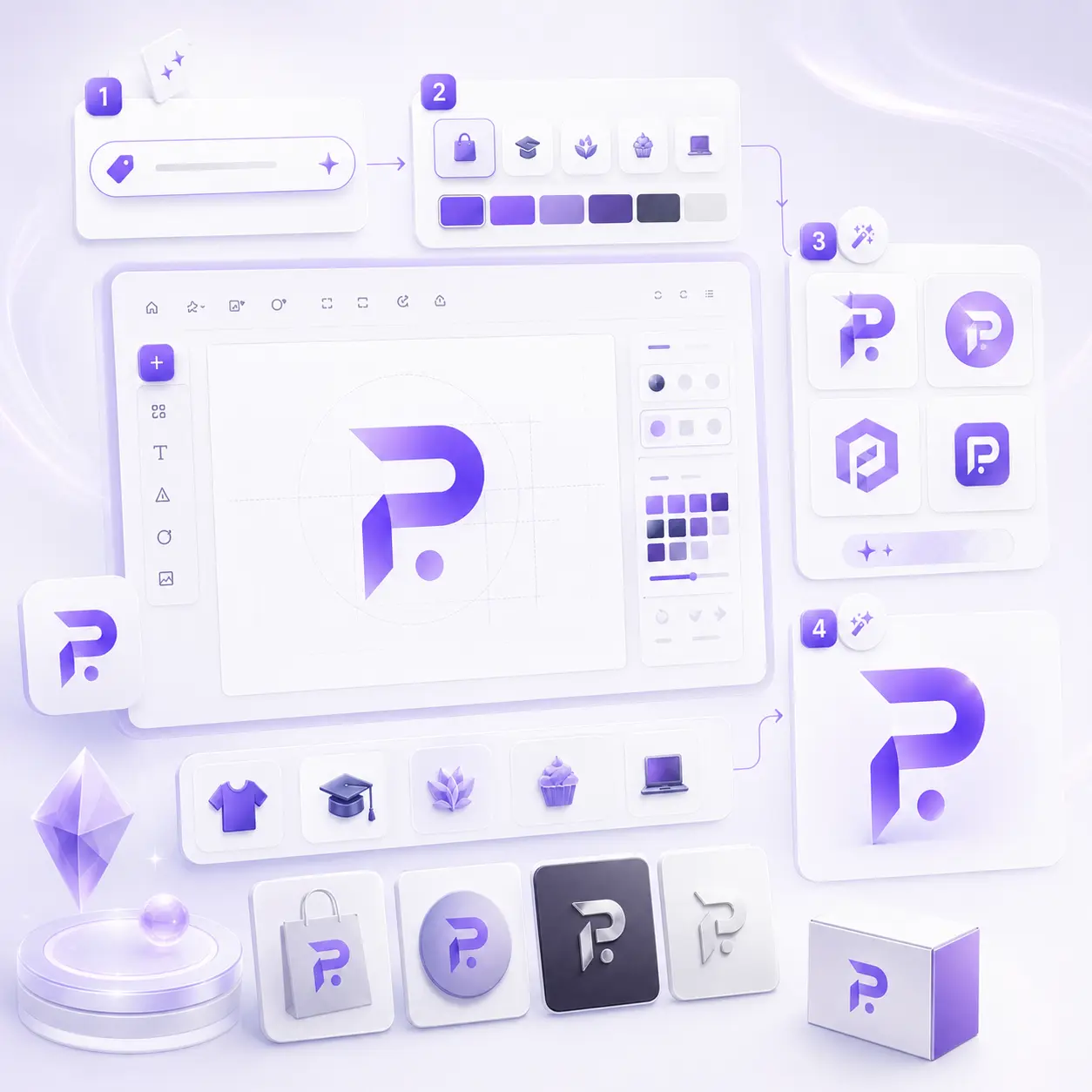
What can Pendid's online logo maker do?
Pendid's goal is to make logo creation simple and fast. Rather than starting from a blank page, you provide your brand's core details and the tool builds an output from there. This process suits anyone who wants a usable logo to start with, without the complexity.
AI uses your brand description to build logo ideas.
Designed to work with your own brand name and the layout your business needs.
You can ask for a logo that's simple, modern, minimal, premium or friendly.
The output works for profiles, websites, social media and promotional content.
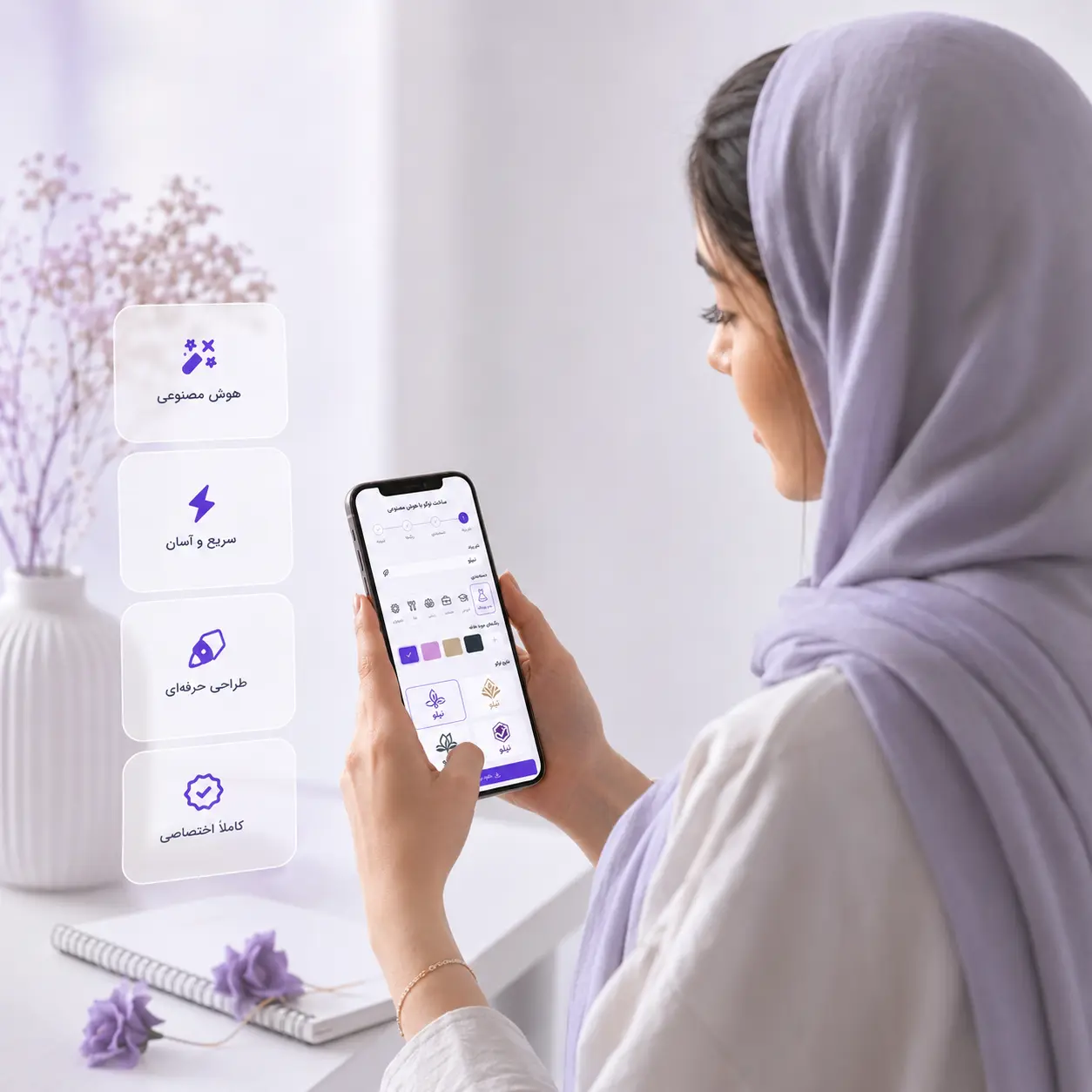
Online logo design for a more professional brand launch
For many brands, the logo is where visual identity begins. When your logo appears on a social profile, a website, an invoice, a banner or your packaging, people remember you faster. Even at the very start of the journey, having a tidy logo can make a brand look considerably more serious.
Pendid's online logo maker helps you try different ideas before committing to bigger costs. You can test your brand name in several different styles, change the colors and see which direction suits your visual identity best.
- Well suited to new brands and online stores
- Useful for testing several visual directions before finalizing
- Works for fast content production and social media
What kinds of outputs can you create with online logo design?
Every business needs something different from a logo. Some brands want something simple and minimal, some need a logotype, and others are thinking about a visual mark for their profile and packaging. Pendid covers several common uses to get you started.
For your online shop, product pages, packaging and store banners.
For your profile, highlights, post templates, Stories and brand introduction.
For instructors, consultants, freelancers and service businesses.
For when you're still choosing the name, the colors and the visual direction.
A tip: for a better result when creating a logo with AI, write a brand description that's short but precise. Instead of "a stylish logo," try "a minimal logo for a women's clothing store with a modern feel, in black and gold."
Online logo design for stores, social pages and personal brands
If you've just launched an online shop, you have a social media page, or you need a visual identity for your services, an online logo maker can be a great starting point. Instead of waiting through several design rounds, you can see a few ideas quickly and find the direction that works.
Pendid is built for everyday content production, online design and smart tools. The online logo maker is part of that same path — a tool that helps brands reach a usable output faster and keep the look of their content more consistent.
- For small businesses getting started quickly
- For aligning the look of your page and promotional content
- For building an early version before the final brand design
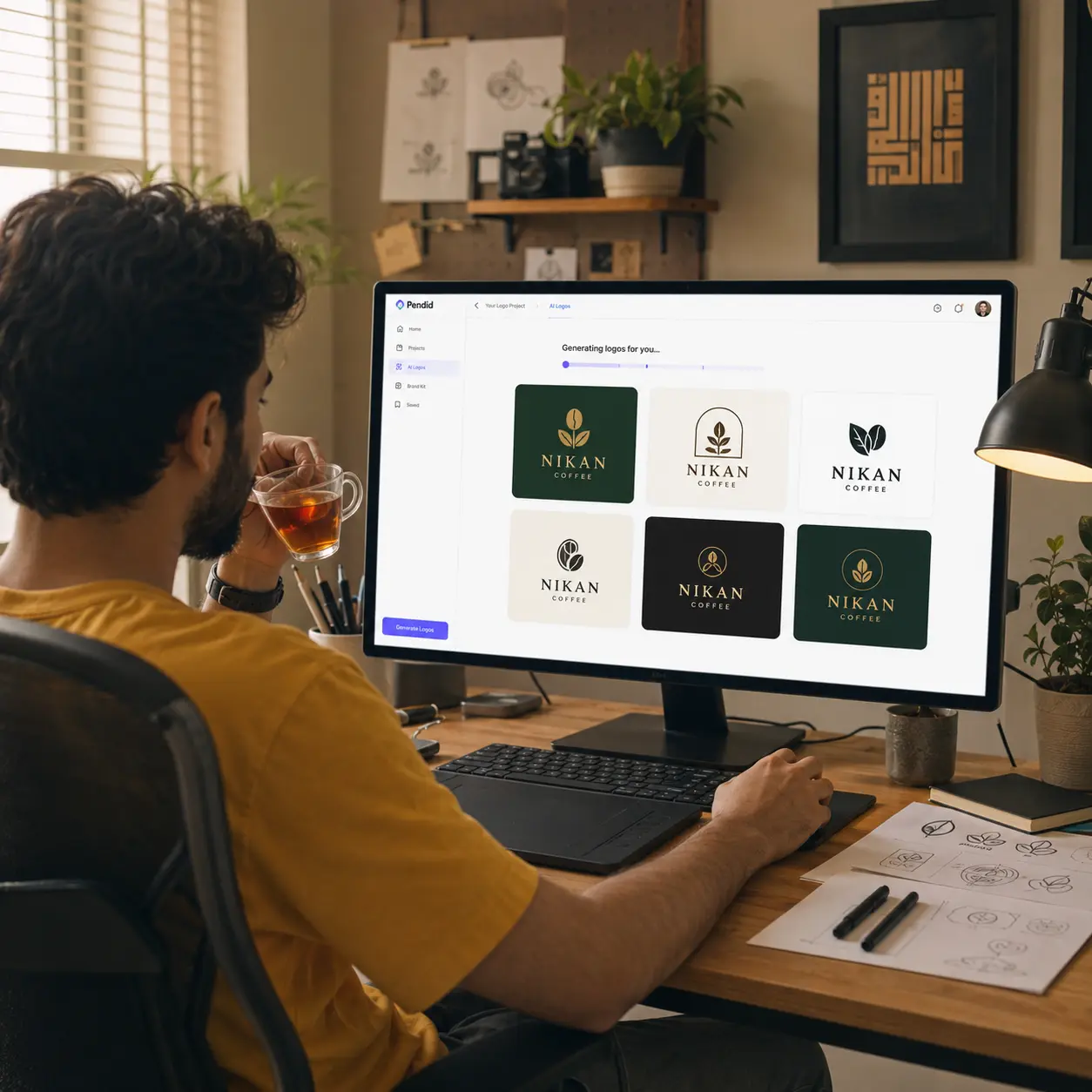
How do you create a logo with Pendid?
The process of creating a logo in Pendid is designed to be simple. You don't need to use complicated tools or build the design by hand from scratch. Just enter your brand's core information and let the tool produce the first output.
Write the name of your brand, store or page.
For example: clothing, food, education, beauty, technology, services or online retail.
Set the color you want and the mood of the logo in a short description.
Create the logo, review it, and generate a new output if you need to.
Who is Pendid's online logo maker for?
If you need a logo to start a brand or produce content quickly, online logo design can help you get a usable first output without going through a long process. This tool is built for everyday use and for getting started fast.
For creating a store logo, profile image, banners and promotional content.
For building a simple, tidy identity for social media.
For a personal brand, introducing your services and setting up a professional profile quickly.
For testing the name, color, style and early direction of a brand's visual identity.
Frequently asked questions about online logo design
If you'd like to know more about Pendid's online logo maker and creating logos with AI before you begin, here are the answers to a few common questions.
What is online logo design?
Online logo design means you can create a logo for your brand, store, social profile or business straight from your browser — with no software to install and no complicated design tools. In Pendid, you enter your brand information, choose a logo style and get a suitable output.
Can I create a logo with AI in Pendid?
Yes. Pendid's logo maker uses AI together with your brand name, business category, preferred color and short description to generate logo ideas. You can then review the output and generate again if you need to.
Do I need to be a professional designer to design a logo online?
No. This tool is built for people who want a tidy, usable logo to get started with — without specialist design knowledge. All you need to do is enter your brand's core information.
Who is Pendid's online logo maker for?
It suits online shops, social media pages, stores, small businesses, freelancers, content creators, startups and anyone who needs a fast, usable logo.
Can I create a logo from my own brand name?
Yes. Pendid's logo maker lets you create a logo built around your own brand name. For a better result, enter the brand name and a short description as precisely as you can.
What information do I need to create a logo?
Usually the brand name, business category, preferred color, the type of output you want and a short description are enough. The clearer your description, the closer the AI output will be to your brand identity.
Are the logo outputs suitable for social media and websites?
Yes. You can use the logo you create for a social profile, a website, business cards, packaging, banners, posters and social media content.
How is online logo design different from designing by hand?
Designing by hand usually takes longer and depends on a designer's availability, while online logo design is faster and simpler. For starting a brand, testing an idea, building an early version or quickly producing a visual identity, an online logo maker is the more practical option.
Start designing your logo online with Pendid
Enter your brand name, business category and preferred style, and use AI to create a logo that fits the launch of your brand, your social page, your store or your promotional content.
Start creating a logo with AI