
Upscale images with AI from fixing blur to reconstruction and higher resolution
Blurry, dark, noisy or low-resolution photos are no longer a dead end. Until a few years ago, rescuing a damaged photo was a job only a specialist with hours to spare could pull off. Today, AI can enhance an image's quality in seconds — no specialist knowledge, no heavy software, just a few clicks.
This complete guide explains, step by step, what AI image quality enhancement actually is, what happens behind the scenes, what kinds of improvements are possible, how to get the best result, and which mistakes to avoid.
- Smart enlargement
- Fixing blur and noise
- Old photo restoration
- Detail enhancement
What does AI image quality enhancement mean?
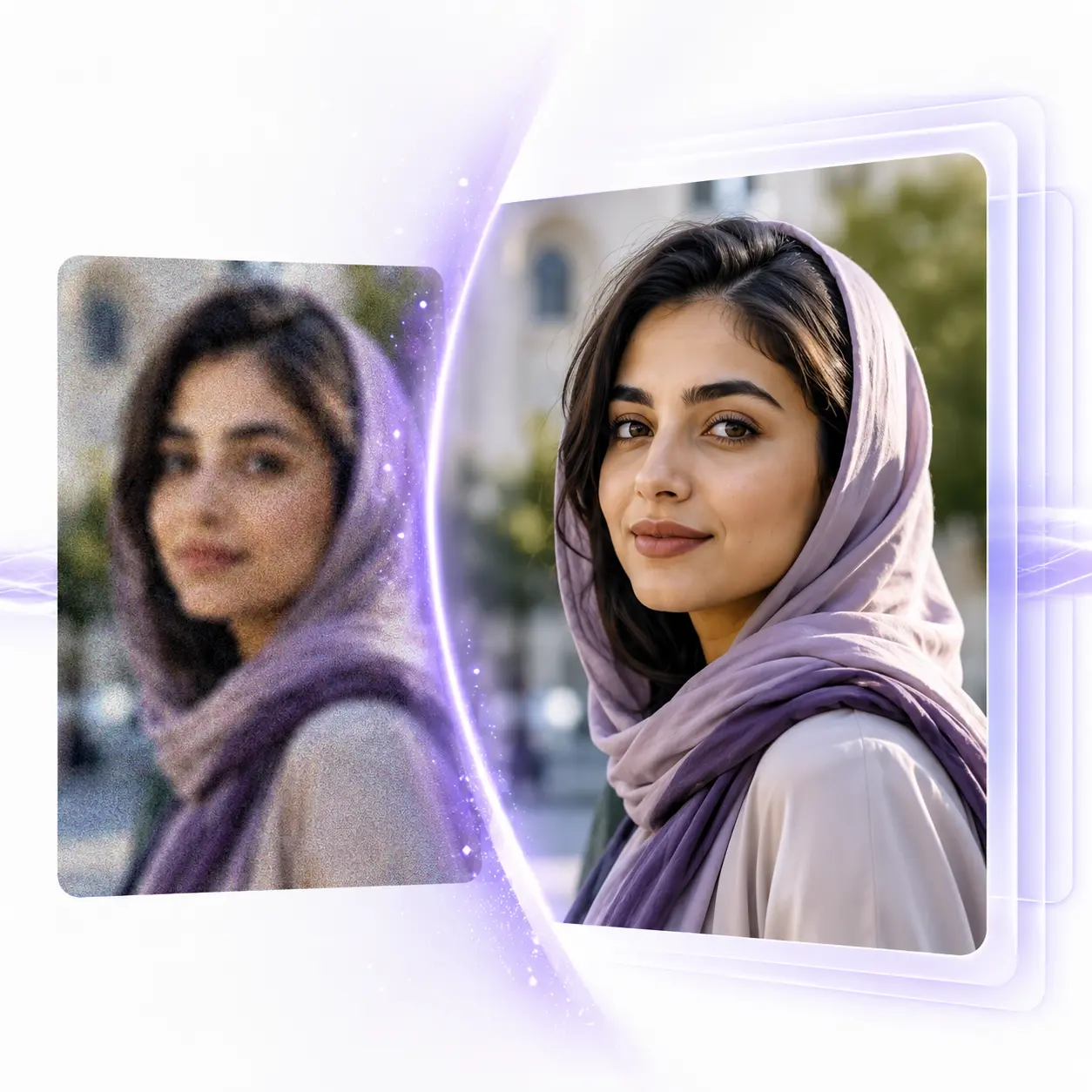
AI image quality enhancement is a process in which a machine-learning model analyzes an input image and works to intelligently reconstruct missing detail. The key difference from older tools is in that word: reconstruct.
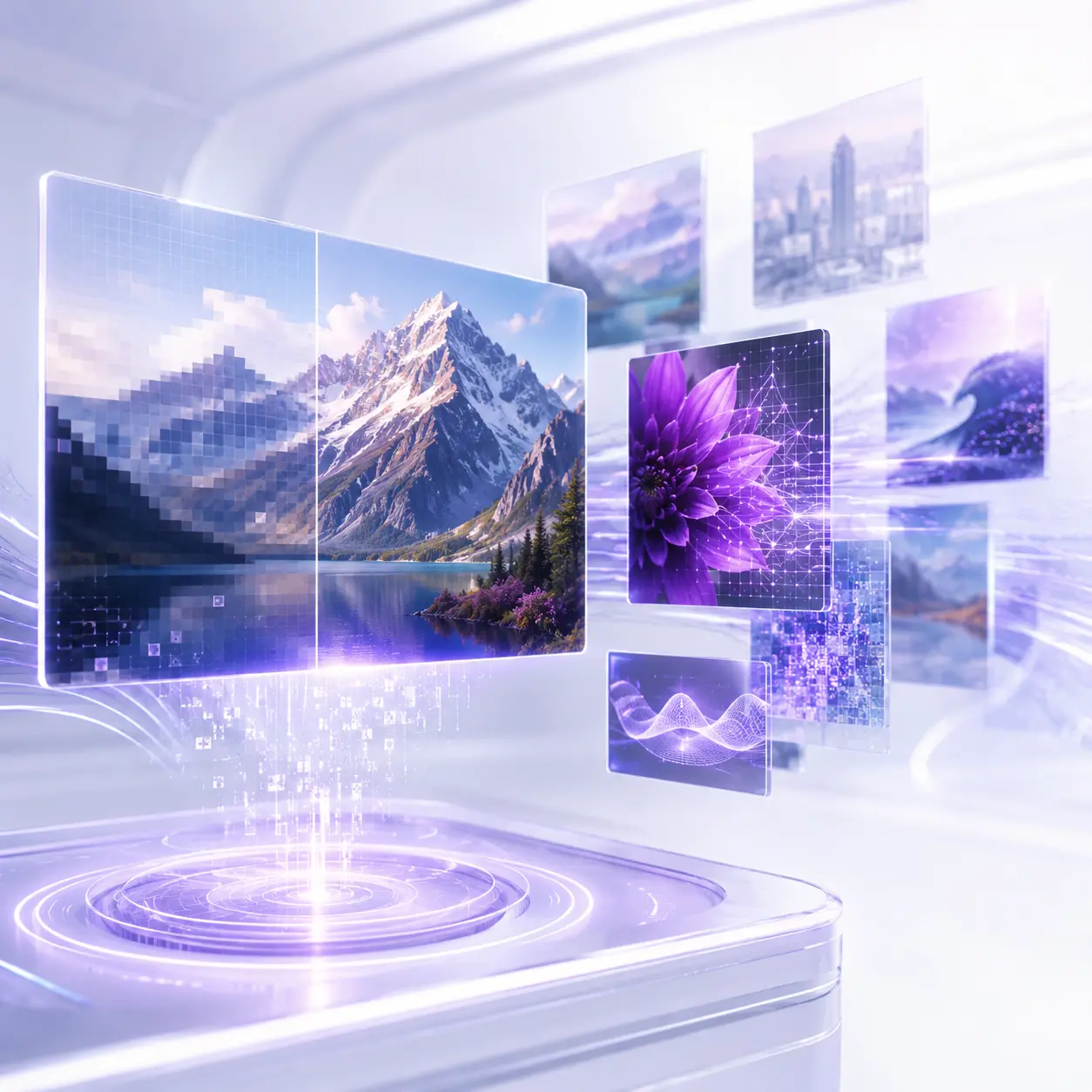
In traditional methods, when you enlarge a small photo, the software simply stretches the existing pixels and fills the empty space between them with an average of the colours. The result is a blurry, pixelated image.
AI does something different: based on the millions of images it has seen, the model recognizes what an eye, a strand of hair, a tree leaf or fabric texture should look like at high quality, and works to reconstruct those same kinds of details.
That is why a low-resolution photo can turn into a clearer, cleaner, more detailed-looking version. Simply put, AI doesn't just enlarge or brighten the photo — it works to recreate it.
Accuracy note: if a face, product label, document, technical drawing or other factual detail matters, compare the enhanced output with the original before using it as evidence or an exact representation.
How does AI actually increase image quality?
You don't need to be a specialist to use these tools, but understanding the logic behind the scenes helps you set the right expectations and get a better result.
Modern image-enhancement models are trained on huge sets of "low-quality to high-quality" image pairs. The model is given a degraded version of a photo and asked to guess the high-quality version — this process repeats millions of times until the model deeply learns the pattern for reconstructing detail.
Super-resolution models
These models specialize in increasing resolution and reconstructing fine detail such as skin texture, hair strands, text and precise edges. Most "lossless enlargement" tools are built on models like these.
Generative adversarial networks
These networks have two parts: one generates the image, and the other judges whether the result looks real. This competition makes the generated detail highly realistic, which is why they excel at face restoration and texture reconstruction.
Diffusion models
These are the newest and most advanced image models. By starting from noise and gradually removing it, they produce natural, high-quality outputs, and today they power many professional image-enhancement tools.
Important note: this technology is no longer confined to research labs. Online tools put these same complex models behind a simple, few-click interface for everyday users.
Types of AI image quality enhancement
"Quality enhancement" is a broad term that, in practice, covers several different kinds of processing. Knowing these methods helps you understand exactly what improvement a given photo needs.
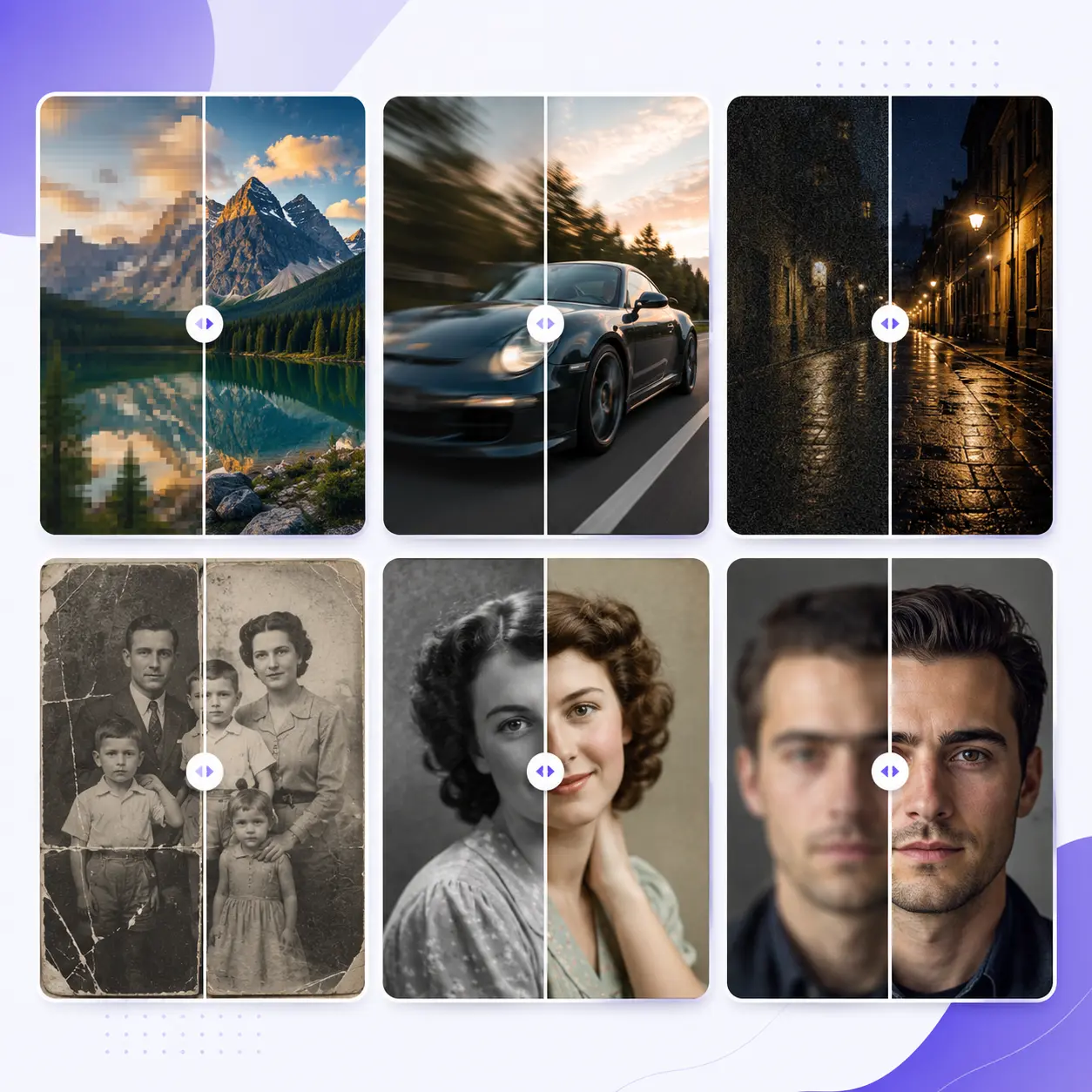
Resolution increase and enlargement
If your photo is small or low quality, AI can enlarge it by 2×, 4× or even 8× without it becoming pixelated or jagged. This is especially valuable when you want to print a phone photo at a large size, or use a small image on a banner, poster or product page.
Clarification and blur removal
Photos blurred by camera shake, subject movement or incorrect focus can often be recovered with deblurring models. AI detects the blur pattern, reconstructs edges and detail, and makes the image clear and sharp.
Noise and grain removal
Photos taken in low light or at a high ISO are often full of noise and colour grain. Noise-removal algorithms clean up this grain while preserving the image's real, natural detail — unlike simple filters that make an image look plastic.
Old photo restoration
AI can help repair scratches, stains, tears, fading and discoloration in old family photos, bringing treasured memories back to life. Many families use this to restore photos of grandparents.
Colorizing black-and-white photos
By analyzing the content of an image, AI models can add natural, realistic colour to black-and-white photos — recognizing that the sky should be blue, grass green and skin its natural tone.
Face restoration
In group photos, old photos or shots taken from a distance, faces are usually the first thing to lose quality. Specialized face-restoration models help rebuild features such as eyes, nose and mouth while aiming to preserve the person's identity.
Light and colour correction
Beyond the above, some tools also intelligently optimize an image's light, contrast and colour balance. Underexposed photos or ones with unbalanced colour can become warmer and more balanced.
Traditional methods vs AI
To make the difference between these two approaches clearer, we can compare them in terms of speed, required skill, quality and cost.
| Feature | Traditional method / filter | AI |
|---|---|---|
| Speed | Slow, sometimes hours | Seconds to a few minutes |
| Skill required | High — needs software mastery | Very low |
| Enlargement quality | Blurry and pixelated | Clearer, with reconstructed detail |
| Detail reconstruction | Limited to existing data | Generates estimated, realistic-looking detail |
| Face restoration | Difficult and time-consuming | More automatic and faster |
| Time and skill needed | Significant time or a specialist's help | Can meaningfully reduce both |
AI has an advantage on many of these measures. That said, manual editing is still valuable for very precise control over individual parts of an image, and in professional projects, combining both approaches can produce the best result.
Step-by-step: how to enhance a photo with AI
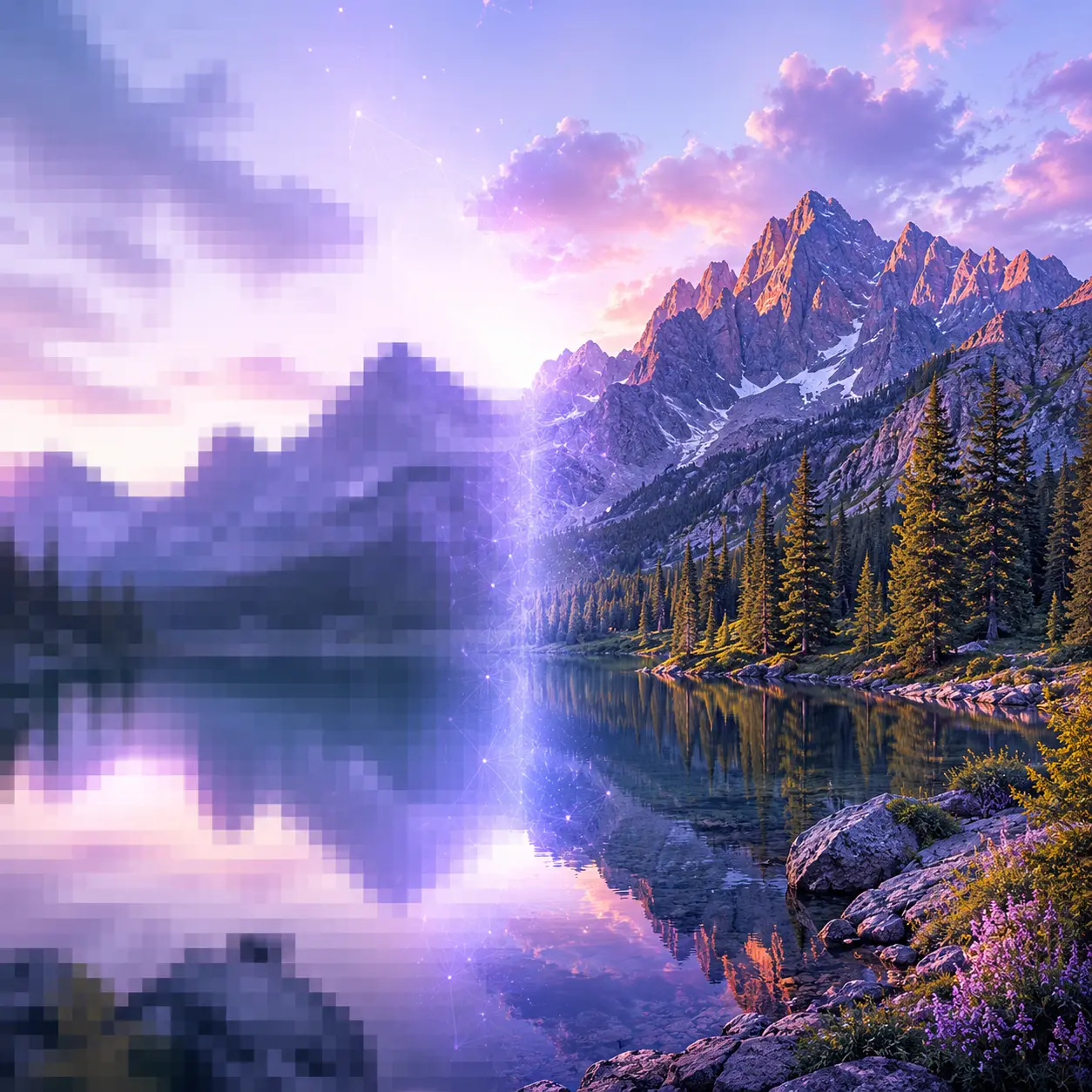
Using online image-enhancement tools is usually simple, and follows a few clear steps.
Upload the image whose quality you want to increase. For the best result, use the highest-quality version of the photo you have.
Decide whether you need resolution increase, noise removal, deblurring, restoration or colorization. Many smart tools detect the problem type themselves and suggest the right processing.
If the tool allows it, adjust the enlargement strength, sharpness or noise-removal power. Starting mild and increasing gradually usually gives a more natural result.
Within a few seconds, the tool analyzes and enhances the image. This is where the AI model does the heavy lifting.
Compare the result with the original. Most tools show a before-and-after view. If you're satisfied, download the enhanced version — otherwise adjust the settings and try again.
Criteria for choosing a good image-enhancement tool
Not all AI tools are the same. When choosing the right service, don't just look at the magnification number — also assess the actual quality of the output.
Real-world uses in business and everyday life
Image quality enhancement isn't just a fun feature — in various fields it can create real practical and even financial value.
Clear, high-quality product images directly increase customer trust and, as a result, sales. Photo quality is one of the biggest factors in online purchase decisions.
Sharp, professional-looking photos get more engagement and visibility, and make your personal or business brand look stronger.
Significant time savings in editing, fast preparation of images for print, and rescuing photos taken in difficult conditions.
Bringing old photos back to life, restoring damaged images and preserving a family's visual legacy for future generations.
Improving the quality of building, interior and project photos for a more professional presentation to clients.
Quickly preparing high-quality images for websites, blogs and ad campaigns, which benefits both user experience and SEO.
Common mistakes and how to avoid them
- Starting from a very damaged photo: AI is powerful, but it doesn't work miracles. The better the input, the better the output will be. If you have a better version of the photo, start with that one.
- Over-applying sharpening or enlargement: pushing the settings too hard can make the result look artificial and unnatural. Balance is key.
- Using the wrong model: use face-specific models for portraits and general models for landscapes. The wrong model can ruin the detail.
- Skipping the full-size review: always check the result at 100% size to make sure the detail looks natural — not only in a small preview.
- Ignoring the print target: if your goal is printing, choose an output resolution that matches the print size, so the quality holds up on paper too.
Pro tips for the best result
- Always start with the highest-quality version of the photo you have — this is the single most important factor for final quality.
- Try a few different enhancement-intensity levels and compare the outputs against each other.
- For portrait photos, enable the face-restoration feature so facial features stay natural and intact.
- For old photos, restore first and colorize second, for a more consistent result.
- If you want to process several photos, test one sample first to find the optimal settings, then run the rest with those same settings.
The future of AI image enhancement
The pace of progress in this technology is remarkable. New-generation diffusion models produce more natural results every day, and the gap between an enhanced image and a genuinely high-quality original keeps shrinking.
In the near future, we can expect real-time video quality enhancement, 3D reconstruction from a 2D photo, and fully automatic processing tailored to each image's content to become everyday tools.
For the everyday user, what this trend means is simple: higher quality, more speed and easier use.
You don't need to wait for future technology. The current version of the tool is available right now to increase image size and resolution.
Frequently asked questions about AI image upscaling
Does image quality really increase, or does only the appearance change?
Advanced AI models go further than simply brightening or sharpening an image — they infer plausible detail based on patterns learned from millions of photos, which can make the output look meaningfully more detailed than the original. That said, this inferred detail is an estimate, not a guaranteed reconstruction of information that was actually present in the original photo.
Can very old and damaged photos be restored?
Yes. AI performs very well at restoring scratches, fading and tears, and can even help reconstruct faces in old photos. That said, the quality of the final result still depends on how damaged the original photo was.
Does using these tools require technical knowledge?
No. Most tools just need you to upload a photo and click once, and the whole process runs automatically. Even with no photo-editing experience at all, you can use them.
Is AI output quality better than manual editing in something like Photoshop?
For many tasks such as increasing resolution, removing noise or restoration, AI is both faster and more automatic than manual editing. For very precise control in professional projects, the best result usually comes from combining AI with manual editing.
Doesn't enlarging a photo ruin its quality?
With older methods, yes — but AI-based tools reconstruct detail while enlarging, which is why the enlarged image doesn't come out as pixelated or blurry as it would with basic resizing.
Which photos are best suited for AI enhancement?
Almost any type of photo — from portraits and landscapes to product photos and old images. You just need to choose the right model and processing type to get the best result.
Summary
AI image quality enhancement is no longer a technology of the future — it's a tool available to everyone. From clearing up blurry photos and enlarging small images to removing noise, restoring old family memories and colorizing black-and-white photos, AI has turned something that once required expertise and a lot of time into a simple, few-second experience.
The key point is that you don't need specialist skill to use this power — just pick your photo, decide on the right processing type, and let AI build the best possible version of your image. Now is a good time to bring your valuable photos up to the quality they deserve.
Turn a small image into a larger version you can actually use
Upload your source image, choose the available enhancement option that fits your goal and review the result at full size before using it in your next design, product page or campaign.
Upscale an image with Pendid